
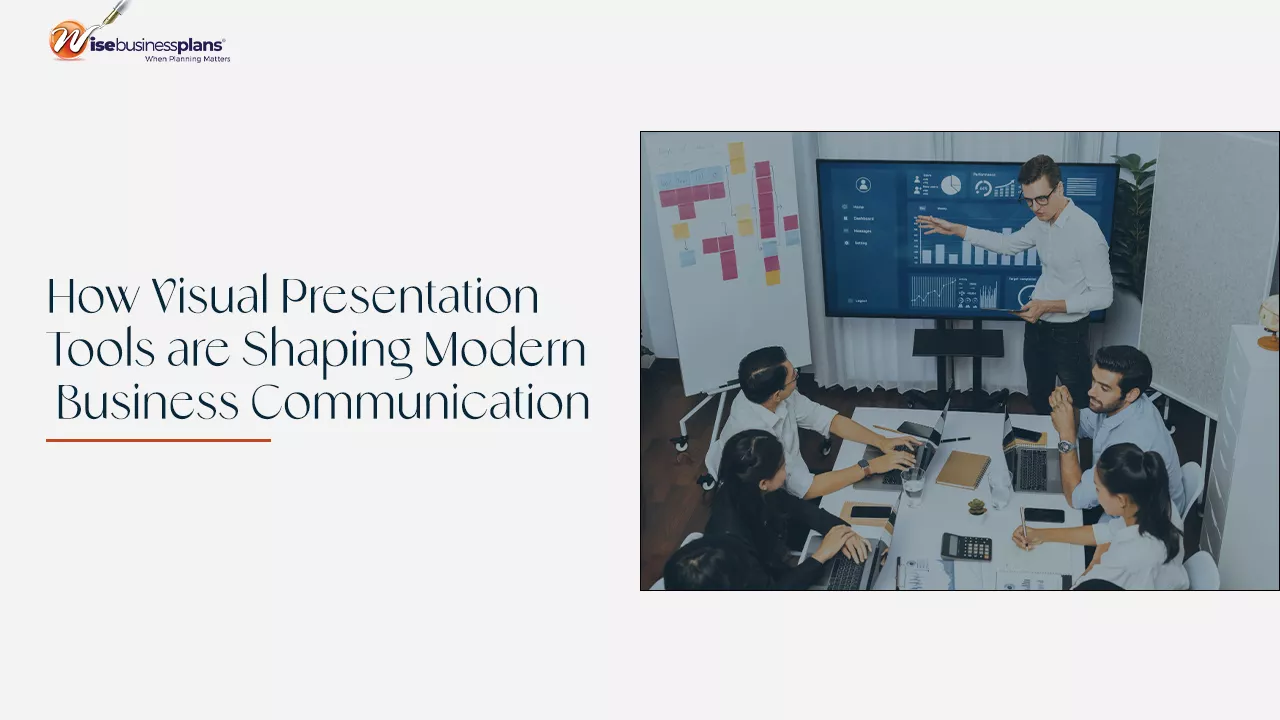
Your team’s drowning in email threads. Calendars are packed with back-to-back meetings. And somewhere between Slack messages and Zoom calls, the actual message gets lost. Modern business communication needs to do more than share information; it needs to create alignment fast.
Visual presentation tools give teams a way to simplify complexity, speed up decision-making, and improve recall among busy stakeholders. While digital channels dominate, physical formats cut through the noise. Video Presentation Boxes deliver this advantage by pairing a video message with a tangible delivery experience, making them useful when you need a prospect, donor, or decision-maker to actually engage with the content.
This shift toward visual communication isn’t about aesthetics. It’s about survival. It’s a practical response to how work happens now, across hybrid schedules, asynchronous collaboration, and constant information flow. Microsoft’s Work Trend Index research shows how work patterns continue to stretch, with meetings increasingly starting after 8 p.m. When time’s fragmented and attention’s scarce, clear, visual, and scannable communication becomes a real advantage.
Why Visual Communication Wins When Everyone's Overloaded
Most business leaders aren’t suffering from a lack of information. They’re suffering from a lack of clarity. Visual communication helps solve that by turning complex ideas into something people can grasp quickly and discuss productively.
That advantage shows up in memory and comprehension. Microsoft has cited research on retention that suggests people retain only 10% of information from an oral presentation alone after a few days, compared with 65% when visuals are included. That difference matters when you’re presenting budget decisions, strategy shifts, or any change requiring a consistent understanding across teams.
And it’s getting worse. Information overload is now the baseline. Business commentary has increasingly emphasized visual communication to reduce cognitive load and make decisions easier to interpret. Forbes has discussed how visual communication can help organizations manage information overload by presenting ideas in ways that are easier to process and act on.
Bottom line: visual tools aren’t “nice to have” anymore. They’re becoming foundational to how teams align.
The Modern Communication Stack is More Than Slide Decks
For decades, the slide deck was the default presentation format. Now, it’s just one piece of a broader toolkit that organizations use to communicate clearly across different contexts and audiences.
Here are several visual presentation formats shaping how businesses share ideas today:
- Narrative Slide Decks: Clear story structure, simplified visuals, and fewer words per slide, designed for live presentation and for later viewing.
- Dashboards and Data Visualization: High-signal views of KPIs that reduce explanation time and support faster decision cycles.
- Asynchronous Video Updates: Quick recordings that preserve tone and context while avoiding calendar overload.
- Interactive Sales Enablement Content: Visual storytelling that helps prospects understand value without needing a live call for every step.
- Premium Physical Presentation Formats: Tangible experiences that stand out when digital channels are crowded.
The last category is especially relevant for high-stakes communication. When an audience is flooded with emails, links, and attachments, a physical delivery can create a moment of focus that digital channels struggle to achieve.
Why Video is Becoming a Default Business Language
Video has become a core business communication format because it combines clarity, tone, and demonstration in one package. It’s often easier to show a product, walk through a proposal, or summarize a strategy on video than to explain it in text. Video also reduces misinterpretation because the viewer can see what you mean and hear how you mean it.
Evidence also supports the trust effect. Wyzowl’s video marketing research reports that 89% of consumers say video quality impacts their trust in a brand. While that statistic comes from a marketing context, the underlying principle applies to B2B communication too. A well-produced message signals preparedness, credibility, and respect for the viewer’s time.
Video’s also becoming more prevalent as teams operate across time zones and flexible schedules. Microsoft’s Work Trend Index coverage on AI at work describes how rapidly new tools are being adopted by knowledge workers, making it easier than ever to create and share video content. As video production becomes simpler, it becomes more common in proposals, training, and executive updates.
When Digital is Not Enough, Premium Visual Delivery Can Break Through
Digital communication is fast, but it’s also crowded. That creates a challenge for high-value moments like enterprise sales outreach, donor engagement, investor updates, board communications, or product launches. If the recipient’s distracted, even a well-crafted message can be missed.
This is where premium visual delivery can change outcomes. A tangible presentation format does something digital often can’t: it creates a deliberate moment of attention.
Consider the difference:
- A PDF attachment is easy to ignore.
- A video link competes with dozens of open tabs.
- A physical delivery prompts action because it’s present, visible, and intentional.
Video-in-print formats take this a step further by combining a physical piece with a screen that instantly plays a message. That removes friction and increases the likelihood that the recipient will actually consume the content. For campaigns where attention’s the bottleneck, this can be a practical advantage.
That’s why formats like video presentation boxes are increasingly used for moments that require higher engagement. They pair dimensional packaging with a built-in screen so the story is delivered visually, immediately, and feels curated.
These formats are especially effective when:
- You’re selling a complex product or service that benefits from demonstration.
- You need to reach hard-to-book decision-makers.
- You want the message to be shared internally, where one recipient can become multiple viewers.
- You’re launching something that needs momentum and clarity from day one.
To keep the discussion balanced and non-promotional, it helps to remember that premium formats should be reserved for high-impact scenarios. They’re not for every message. They’re for the messages that can’t afford to be overlooked.
How to Choose the Right Visual Tool for the Message
Choosing a visual tool isn’t about chasing trends. It’s about matching the format to the communication goal.
Here are four criteria that make the decision easier:
Audience Value and Influence
If your audience is small but high-value, such as enterprise buyers, board members, or strategic partners, higher production value can be justified. In these cases, you’re not optimizing for volume. You’re optimizing for attention and decision quality.
Complexity and Stakes
The more complex your message is, the more visuals help. Diagrams, process maps, product demonstrations, and short explainers reduce confusion and prevent long back-and-forth cycles that slow progress.
Speed and Collaboration Style
If you’re trying to reduce meetings, choose formats that support asynchronous work. Short videos, annotated decks, and dashboards let people absorb the content on their schedule while still staying aligned.
Channel Competition and Attention Risk
Suppose the recipient’s likely to ignore yet another link, consider a format that changes the interaction pattern. Physical delivery, dimensional mail, and video-in-print experiences can be a strategic choice when the biggest risk is being missed.
USPS-delivered industry insights often discuss direct mail response benchmarks and the factors that influence performance, highlighting that physical mail can still generate meaningful engagement when the audience and offer are right.
Best Practices for Visual Business Communication That Actually Work
Visual tools don’t automatically create clarity. The structure and execution matter. These best practices help visual communication land with more impact:
- Lead With The Point: Put the decision, recommendation, or main takeaway first, then support it with visuals.
- Design For Skimming: Use clear headings, section breaks, and simple layouts so the viewer can quickly understand the structure.
- Use Fewer Words, Better Words: Replace paragraphs with short statements, labels, and annotated visuals.
- Make The Next Step Obvious: Whether the goal’s approval, feedback, or scheduling, remove ambiguity about what happens next.
- Plan For Forwarding: Assume your message will be shared internally. Build it so someone outside the original conversation can still understand it.
When you combine these practices with the right format, you reduce friction. That’s the real goal. Less confusion. Fewer clarifying meetings. Faster decisions.
Final Thoughts: Visual Tools Don’t Just Communicate, They Align
Modern business runs on alignment. Teams need shared understanding to move quickly, especially across hybrid work, crowded calendars, and constant change. Visual presentation tools help create that shared understanding by making information easier to absorb, remember, and act on.
From stronger decks to clearer dashboards to video-first messaging, the shift is clear. Businesses are building communication that respects attention and improves comprehension.
And when attention’s the main barrier, premium formats can be a strategic lever. Done thoughtfully, video presentation boxes show how visual delivery can be designed into the message itself, turning a key communication into an experience that gets seen, understood, and remembered.